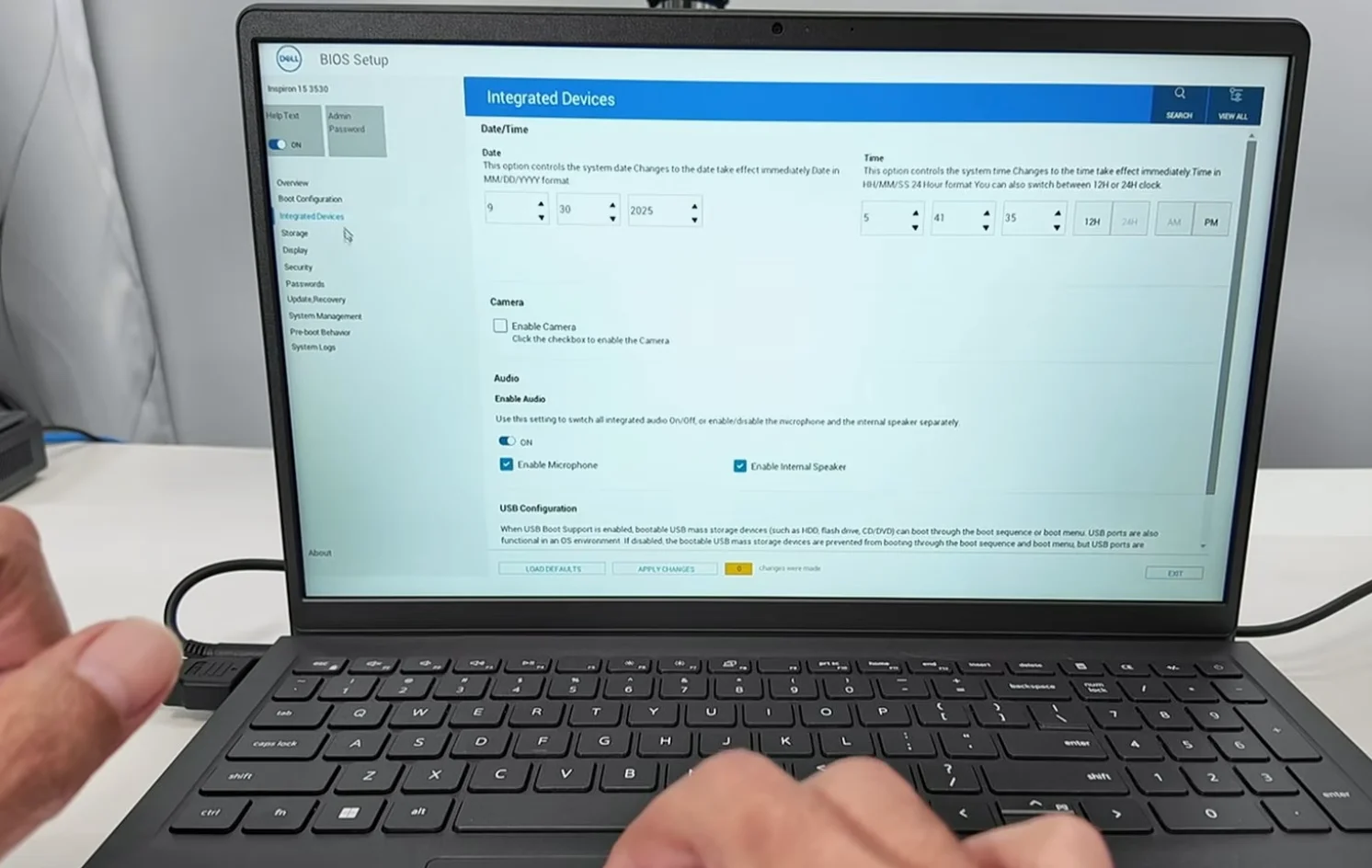
I faced the exact same issue where my laptop's built-in camera suddenly stopped working across both the webcam test site and Microsoft Teams, giving a "no camera found" or permission error. I tried a few common fixes, and here is what worked:
1. Check the physical privacy shutter: Many modern laptops have a tiny physical slider right next to the webcam lens. It turned out mine had accidentally been slid shut, completely blocking the hardware sensor.
2. Fix Windows Privacy Toggles: Windows updates can sometimes reset app permissions. Go to Settings > Privacy & security > Camera. Ensure that Camera access, Let apps access your camera, and specifically Let desktop apps access your camera (which controls Microsoft Teams) are all toggled to On.
3. Reset the camera driver: If permissions are correct but it still shows as missing, right-click the Start menu and open Device Manager. Expand the Cameras category, right-click your built-in webcam, select Uninstall device, and then restart your laptop. Windows will automatically reinstall a fresh copy of the driver upon reboot, restoring the connection.